
AI Wedding Venue Design
See your wedding style in your actual venue—before you spend on decor.
Upload a tour shot or listing photo, pick a style or describe your colors and florals, and preview realistic concepts in your real space.
One-time packs from $5 · No subscription · Works with any venue photo
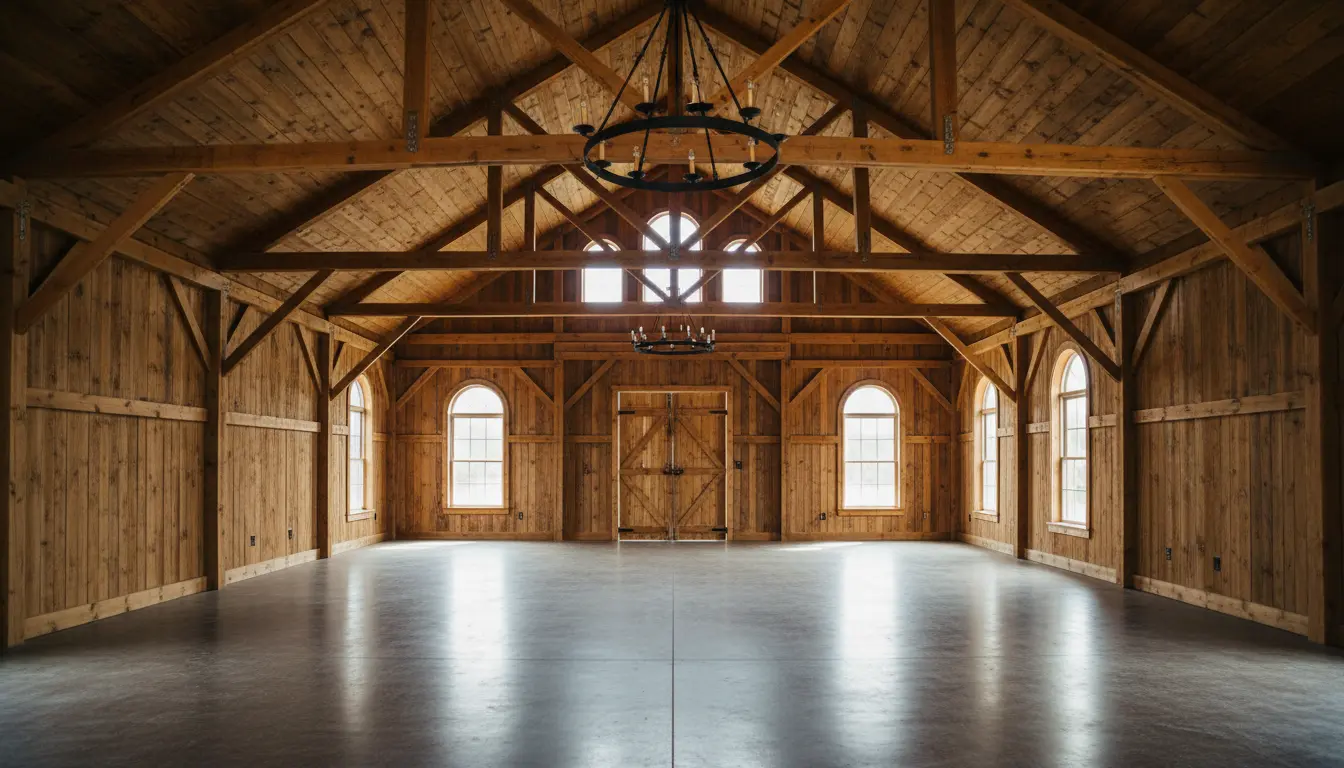
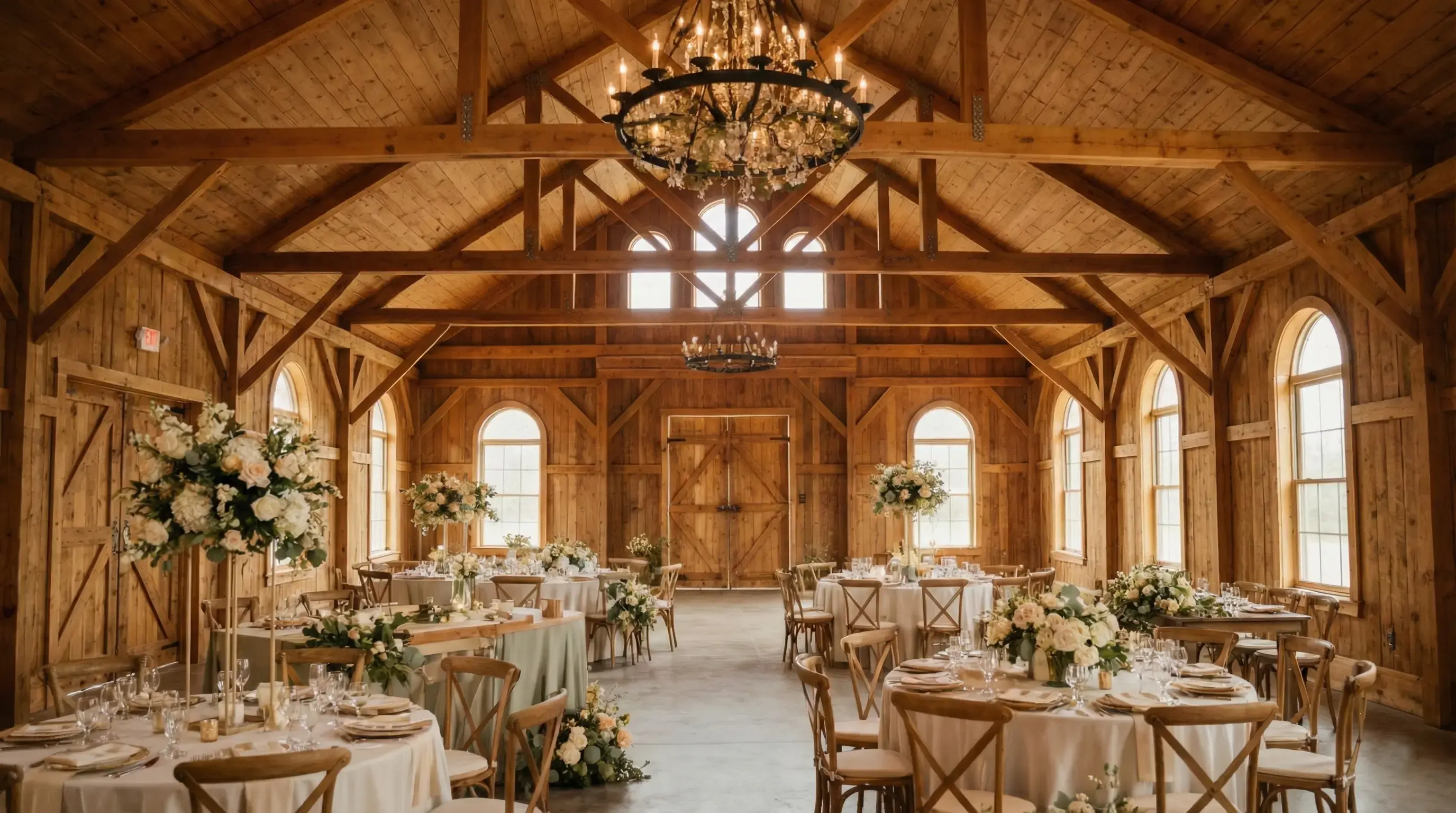
Rustic Barn · Soft sage linens, white garden roses, and warm string lights
Drag slider to compare
Real venues, not generic mood boards
Any space. Your style. Before a single deposit.
Keep the architecture recognizable while you compare palettes, florals, and lighting side by side—so you know what actually fits the room before booking vendors.
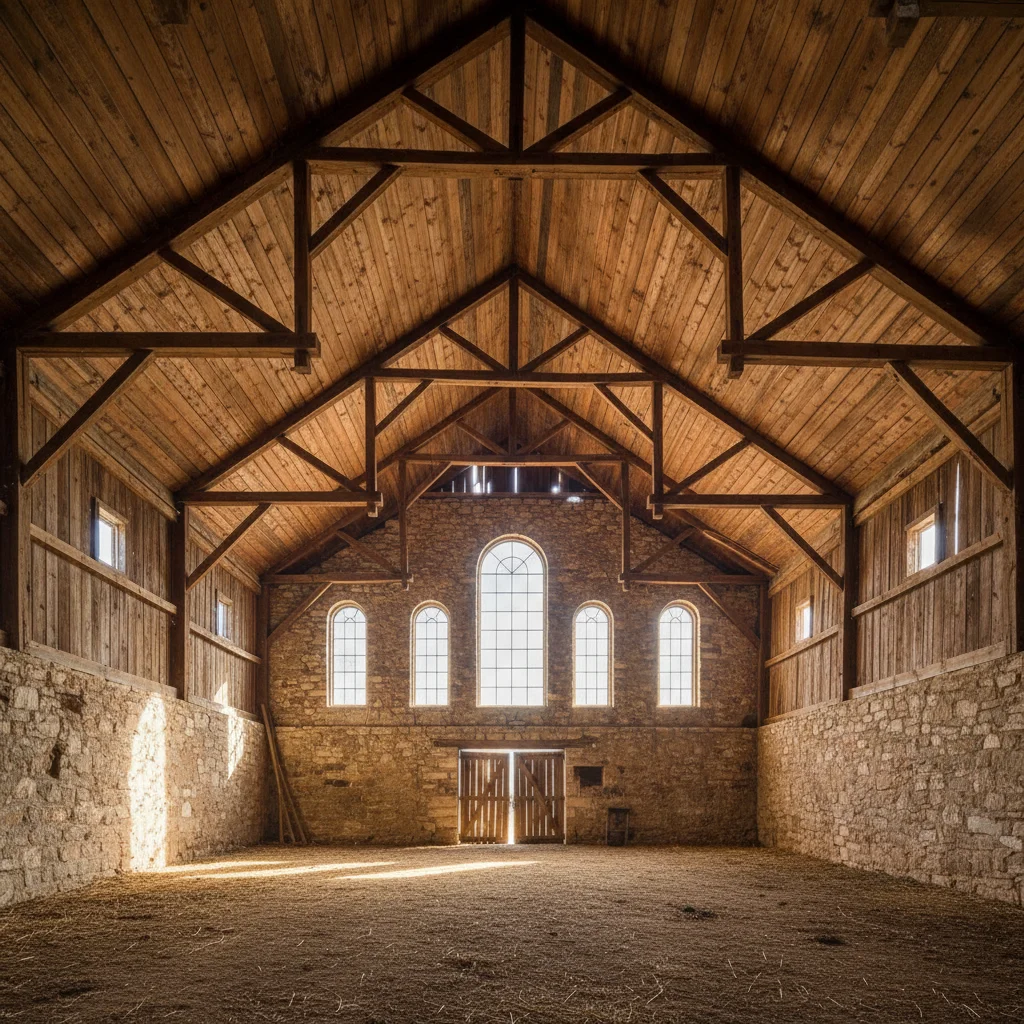 Before
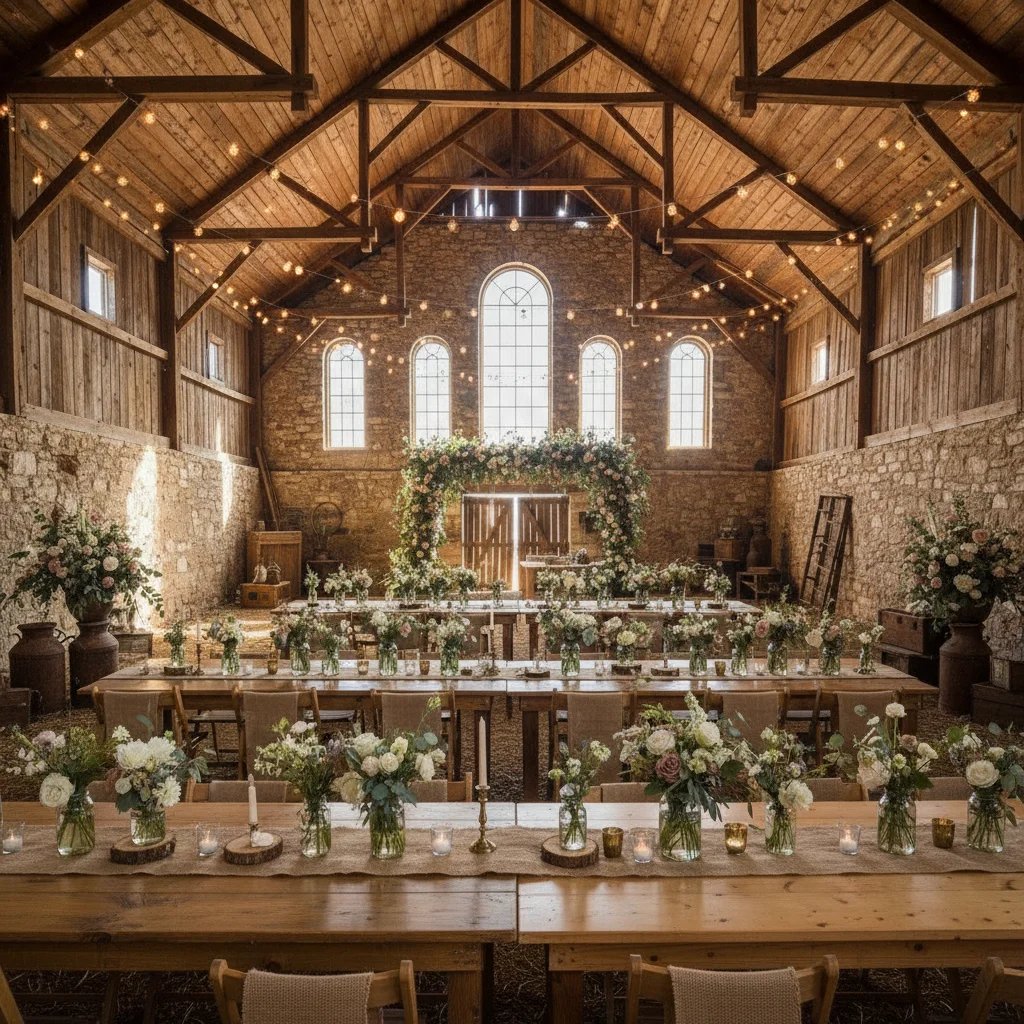 After
Hill Country Ranch → Warm rustic
Long wood tables, wildflower centerpieces, and amber string lights
Before
After
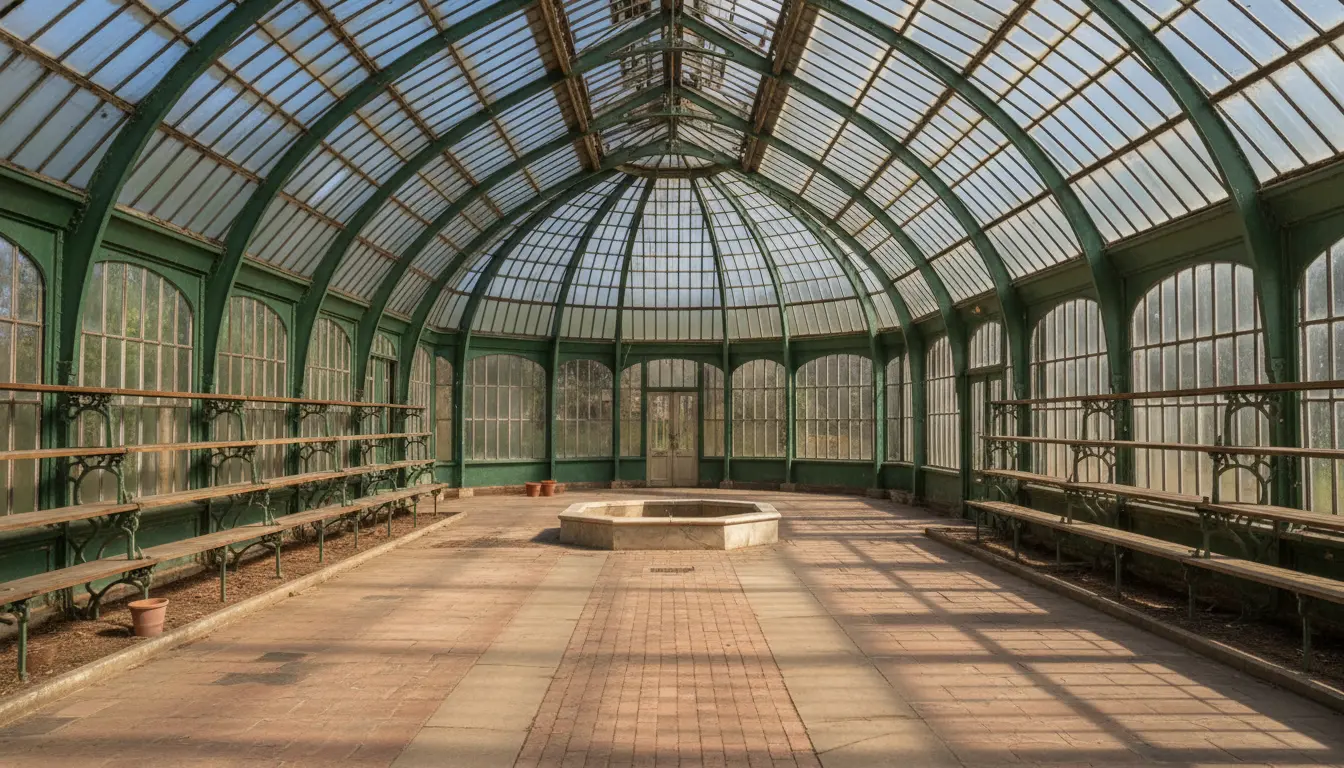
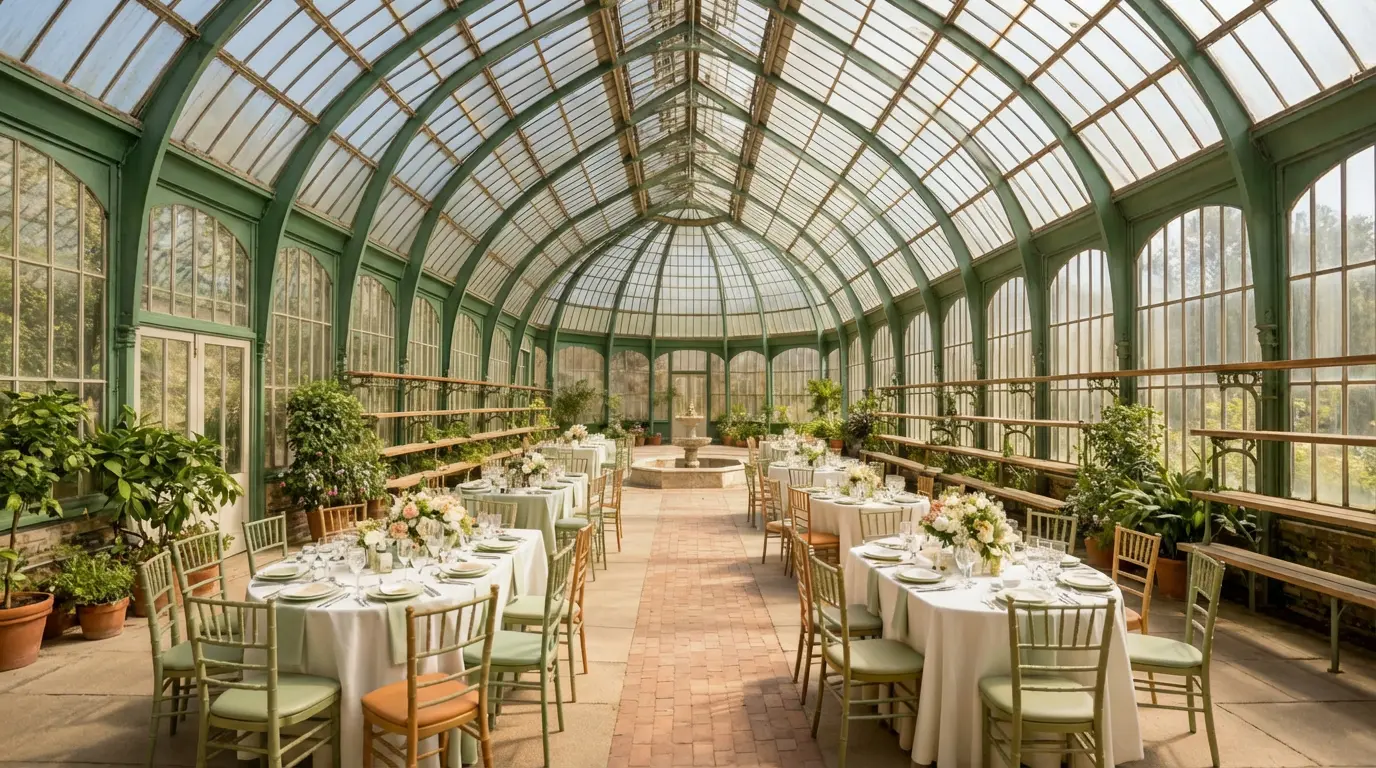
Glass Greenhouse → Garden under glass
Soft sage linens, lush greenery, and white floral runners
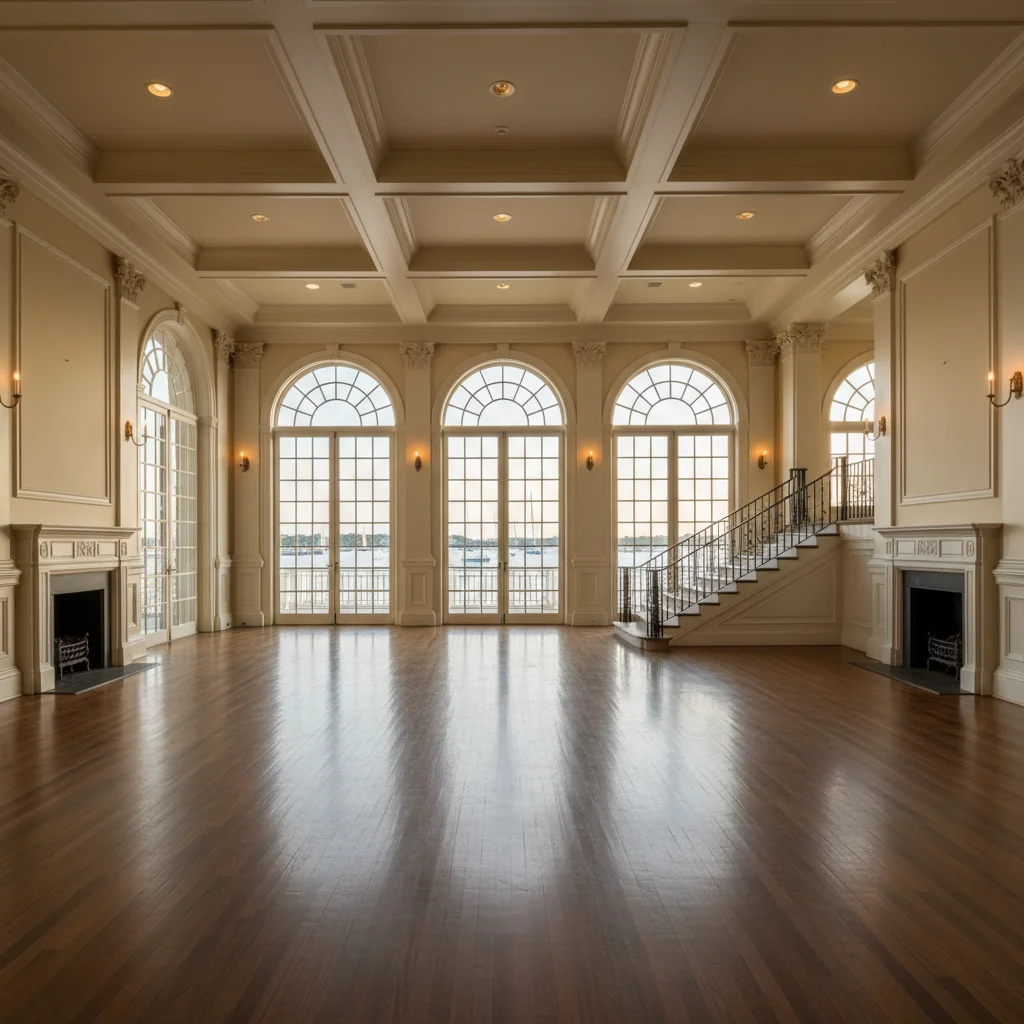 Before
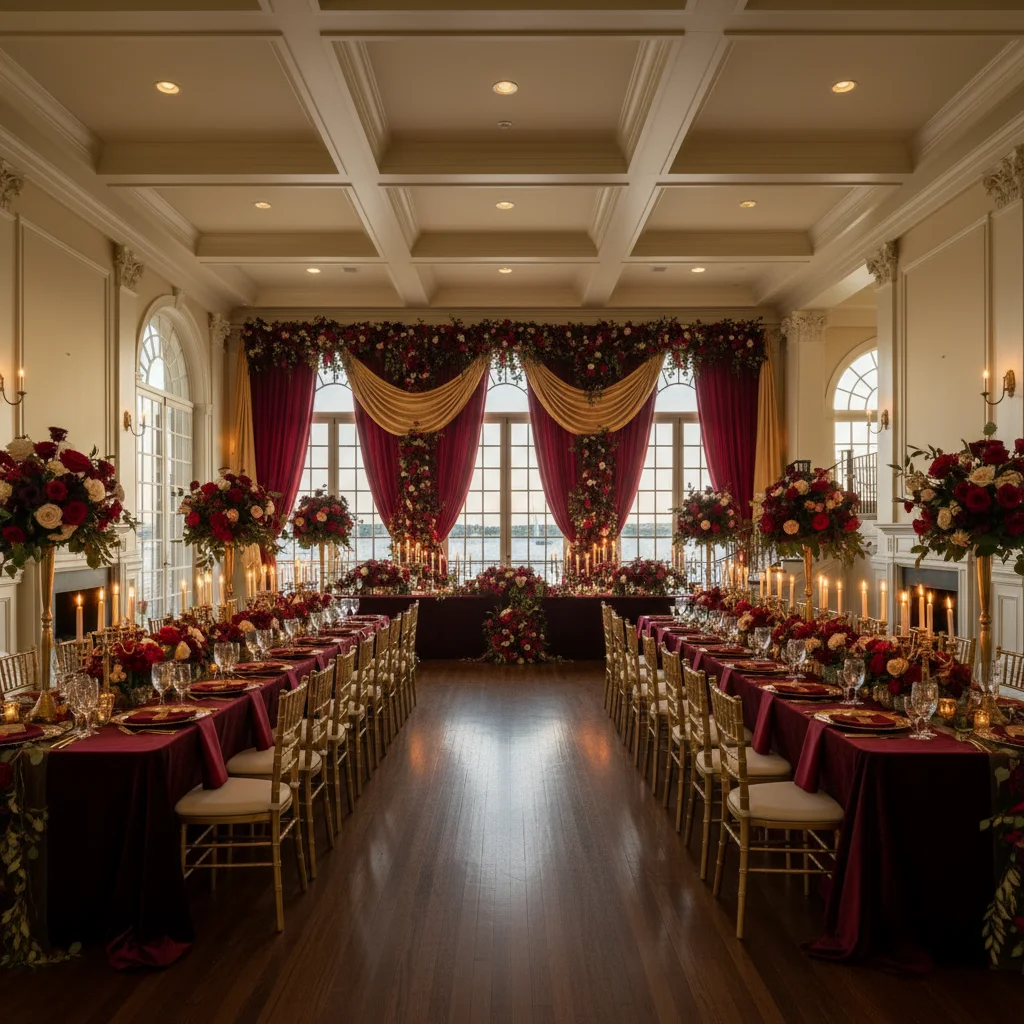 After
Historic Ballroom → Candlelit black-tie
Deep romantic florals, warm candlelight, and formal place settings
How it works
From one room photo to a clear vendor brief.
Upload your venue photo
Use a phone snapshot from your tour or a listing photo—empty or dressed from someone else's wedding.
Pick a style or describe yours
Start with a one-click wedding theme or type in the colors, florals, tables, and lighting you've been saving.
Compare & share your favorite
Test a few looks on the same room, pick the winner, and bring a clear visual to your partner, family, or florist.
One-time packs from $5. No subscription.
Why couples use it
Make one clear decision before the deposits start.
01 · Choosing a venue
Before you sign the venue contract
Comparing two spaces? Preview your favorite style in both empty rooms so you don't pass on a great venue just because its listing photos look bare.
02 · Florals & rentals
Before a $500 florist or decor deposit
Test sage vs. burgundy, long wood tables vs. round linens, or candlelight vs. bright florals before paying for samples or revision rounds.
03 · Shared brief
To get everyone on the same page
Hand your partner, parents, planner, and florist a photo of your actual space styled—not a stranger's wedding in a completely different room.
Why I built this
"We had 200 Pinterest pins—and no idea if any of them worked in our venue."
I built Wedding Studio AI while planning our own wedding. Every look we saved was photographed in a rustic barn; our venue was a glass greenhouse. We loved a color palette, couldn't picture it in the room, and getting a florist mockup meant putting down a $500 deposit first.
So I built a way to preview styles inside our actual space. When other couples tried it, they had the same relief we did. For the first time, the wedding stopped feeling like a pile of references and started looking like ours.
Simple one-time pricing
Pay once. Keep your credits until the wedding.
No subscriptions. Credits never expire. Every pack includes clean, watermark-free HD downloads ready to share with vendors.
Style Test
Compare palettes and moods on one space to narrow your direction before you commit.
10 venue previews
$0.50 per preview
- Test colors, florals, and decor styles
- Clean HD downloads (no watermark)
- Credits never expire
Most popular for couples
Decision Pack
Enough previews to style ceremony and reception, compare florals and lighting, and share your final brief.
30 venue previews
$0.50 per preview
- Compare ceremony & reception spaces
- Test florals, palettes, and lighting
- Clean HD downloads for family & vendors
- Pay once, no subscription
Best value · Save 42%
Full Wedding Studio
Explore every corner of your venue, compare multiple spaces, or build full client concepts—pay once.
100 venue previews
- Multiple rooms, venues & seasons
- Clean HD downloads + commercial use
- Credits never expire
- Priority support
FAQ
Frequently asked questions
What kind of venue photo works best?
Will it keep my actual venue recognizable?
What's included in a credit pack?
What if I don't know my wedding style or how to write prompts?
Is this a subscription? What if a generation fails?
Explore wedding ideas
Start with a place, a mood, or a finished look.
Browse practical design guides and visual examples, then bring the direction you like back to a photo of your own venue.
Browse by mood and venue
Wedding inspiration library
Explore complete visual directions with color palettes, decor details, venue fit, and practical planning notes.
Explore this collection → Location guide
Texas Hill Country wedding ideas
See design approaches for ranches, limestone estates, wineries, barns, oak groves, and Lake Travis venues.
Explore this collection → Real visual examples
AI wedding design gallery
Compare venue transformations across rustic, sage green, romantic, industrial, minimalist, and vintage styles.
Explore this collection →Wedding design guides
Go from inspiration to a venue-ready plan
Learn how to visualize wedding decor in your venue, write prompts that keep the real space recognizable, and share a clearer direction with vendors.
Design your wedding with AI
Choose a useful venue photo, compare distinct directions, and turn the strongest concept into a vendor brief.
Read the guide → Copy-ready promptsWrite clearer wedding AI prompts
Start with proven prompt formulas for ceremonies, receptions, color palettes, flowers, lighting, and decor.
Read the guide → Decor planningVisualize wedding decor in your venue
Test flowers, linens, lighting, tables, and focal installations in the room you will actually use.
Read the guide →