For Wedding Planners
Turn one venue photo into three ideas your client can finally see
You know the moment. The mood board is lovely, the client is nodding, and nobody knows whether it works in the room. Put the idea in their actual venue before the next call.
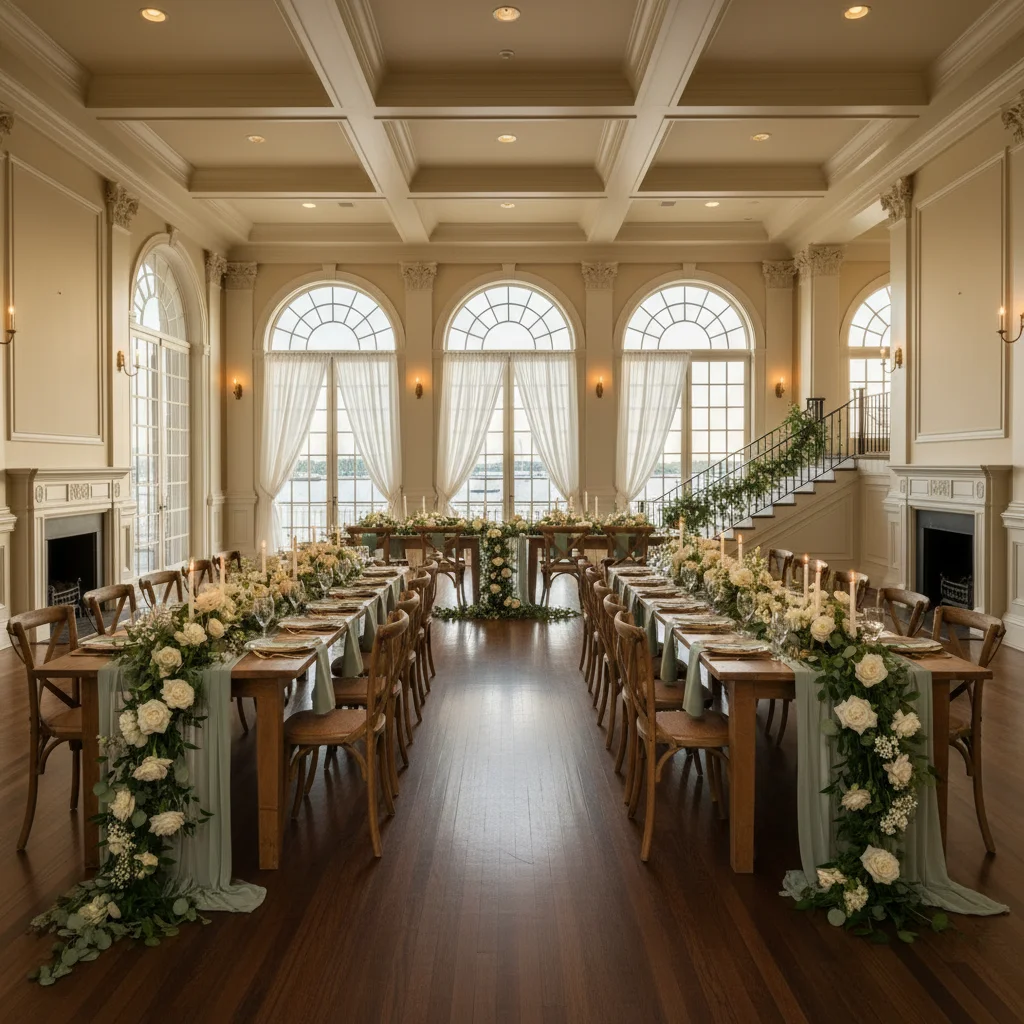
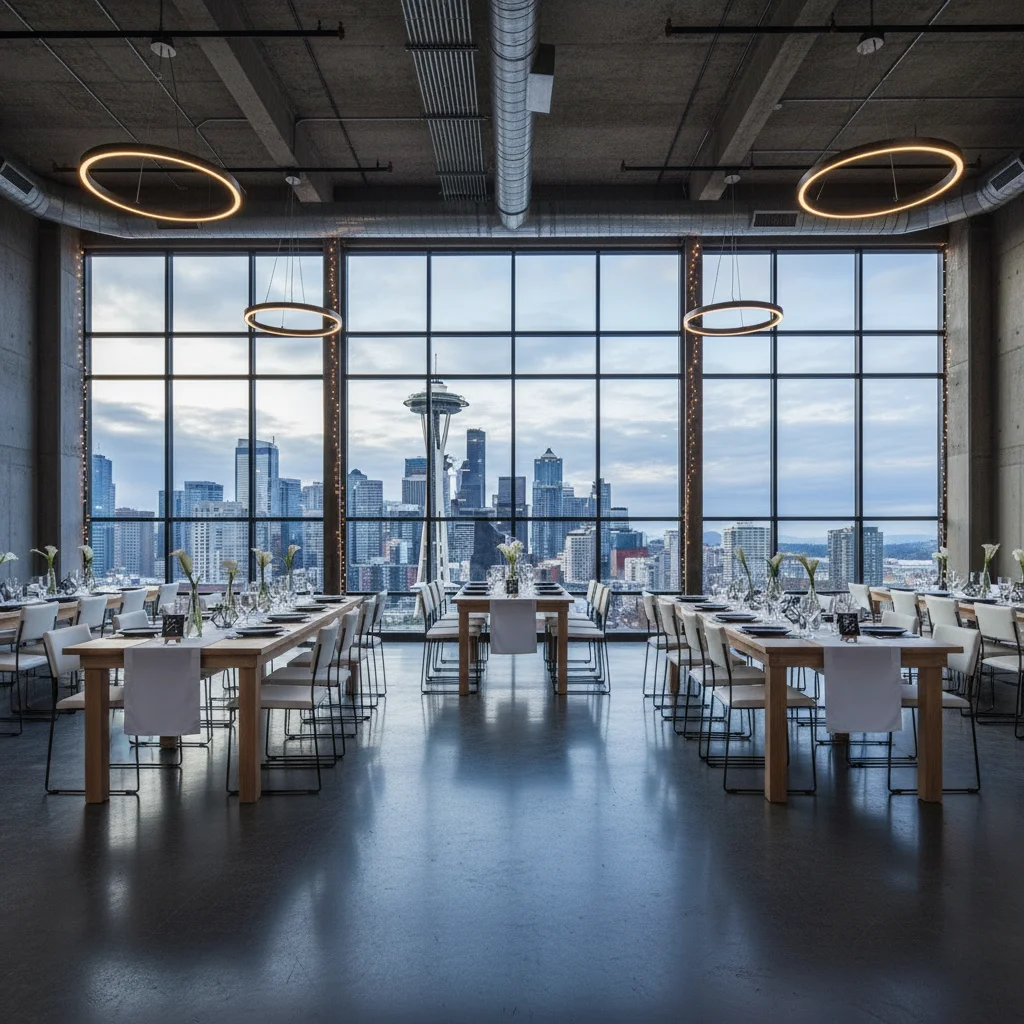
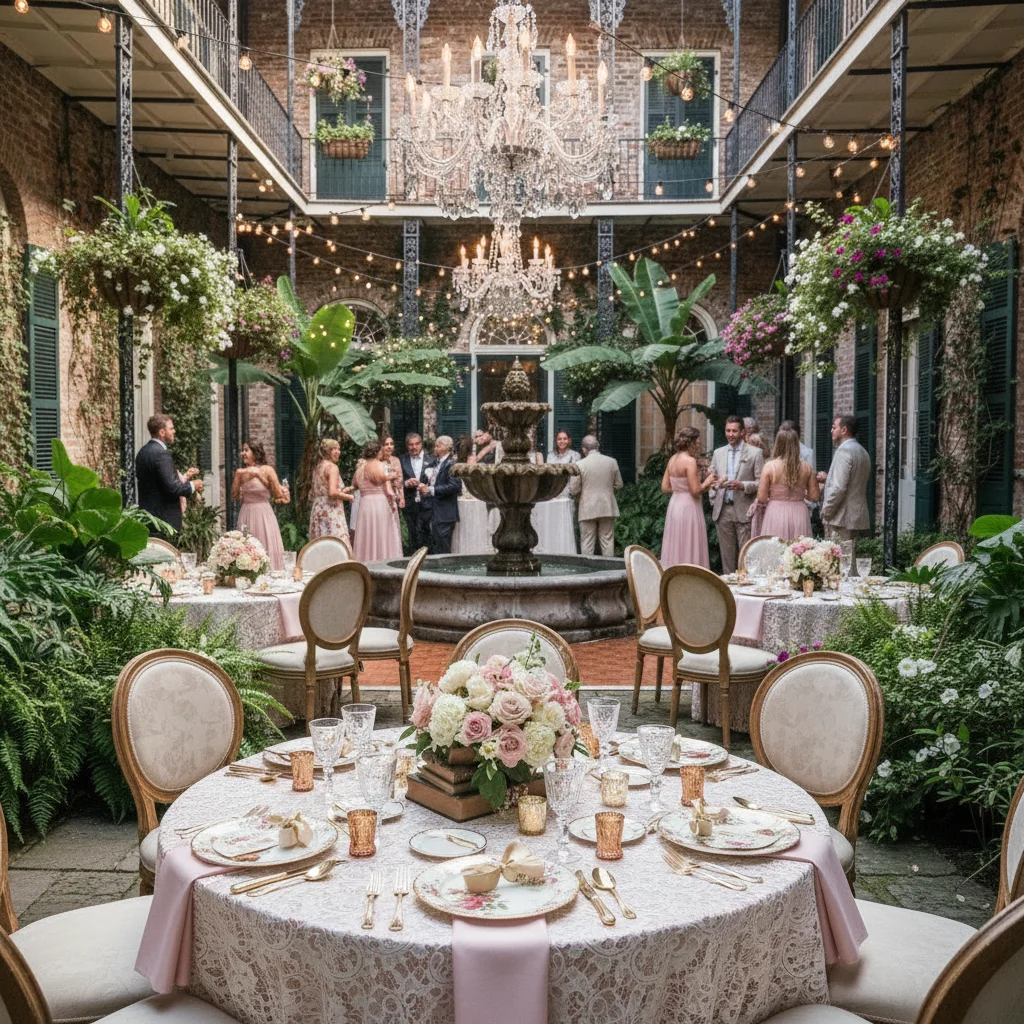
Send one venue photo first. We'll make three concepts free, so you can judge the work before paying for anything.
Free planner sample
Send us the room your client cannot picture.
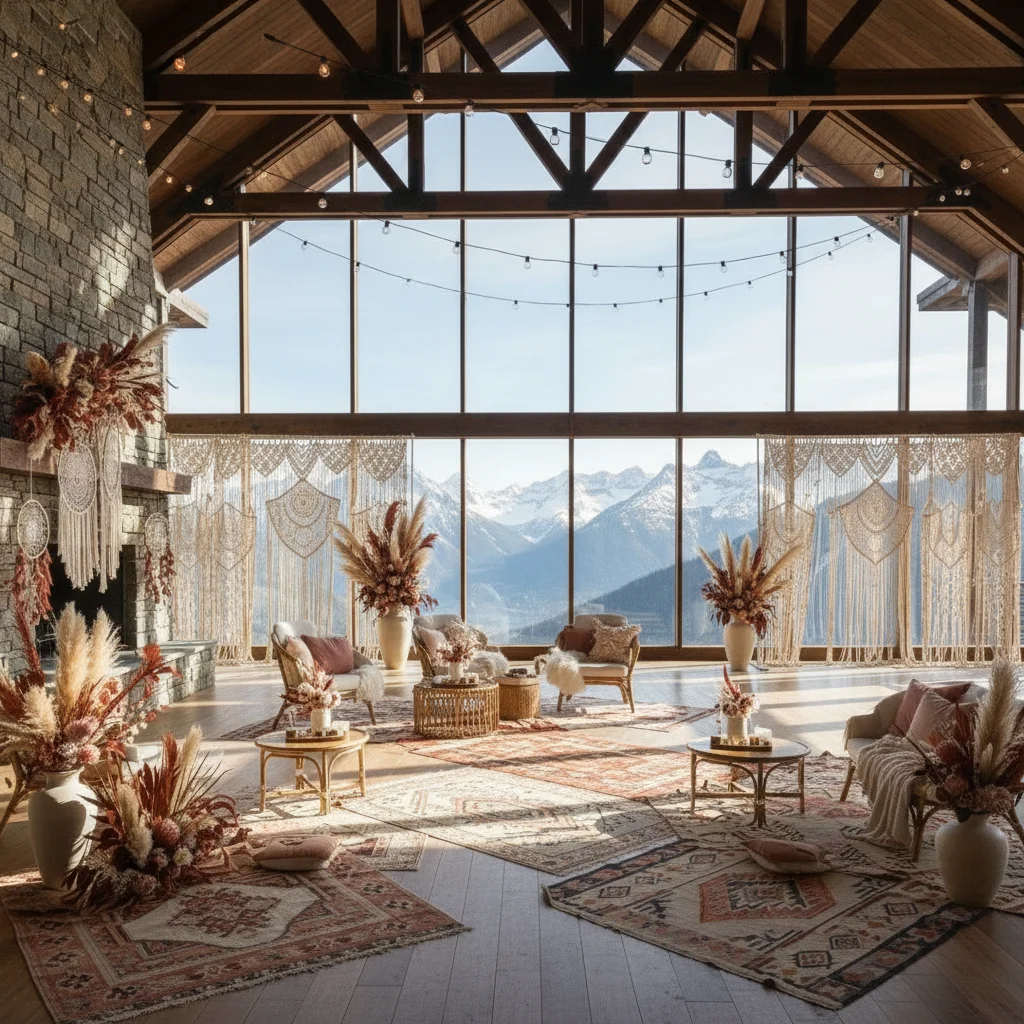
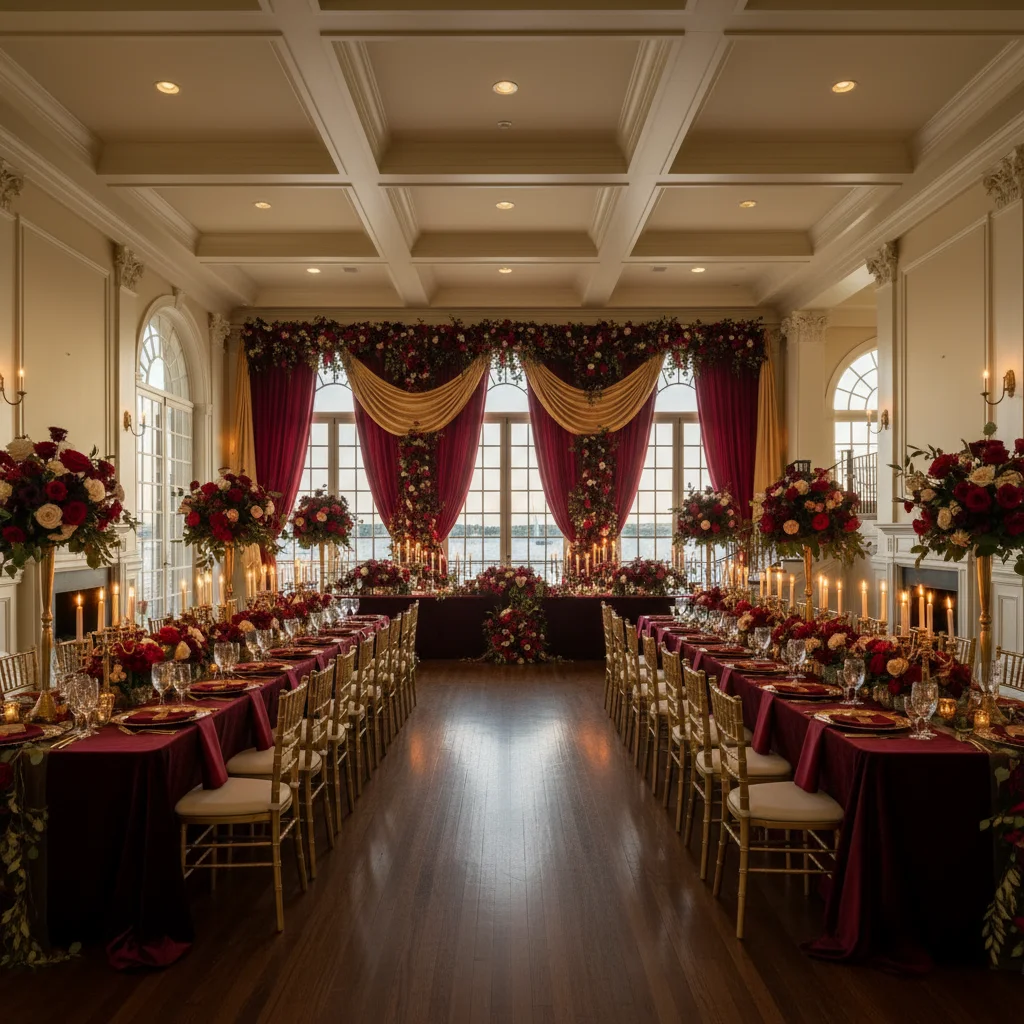
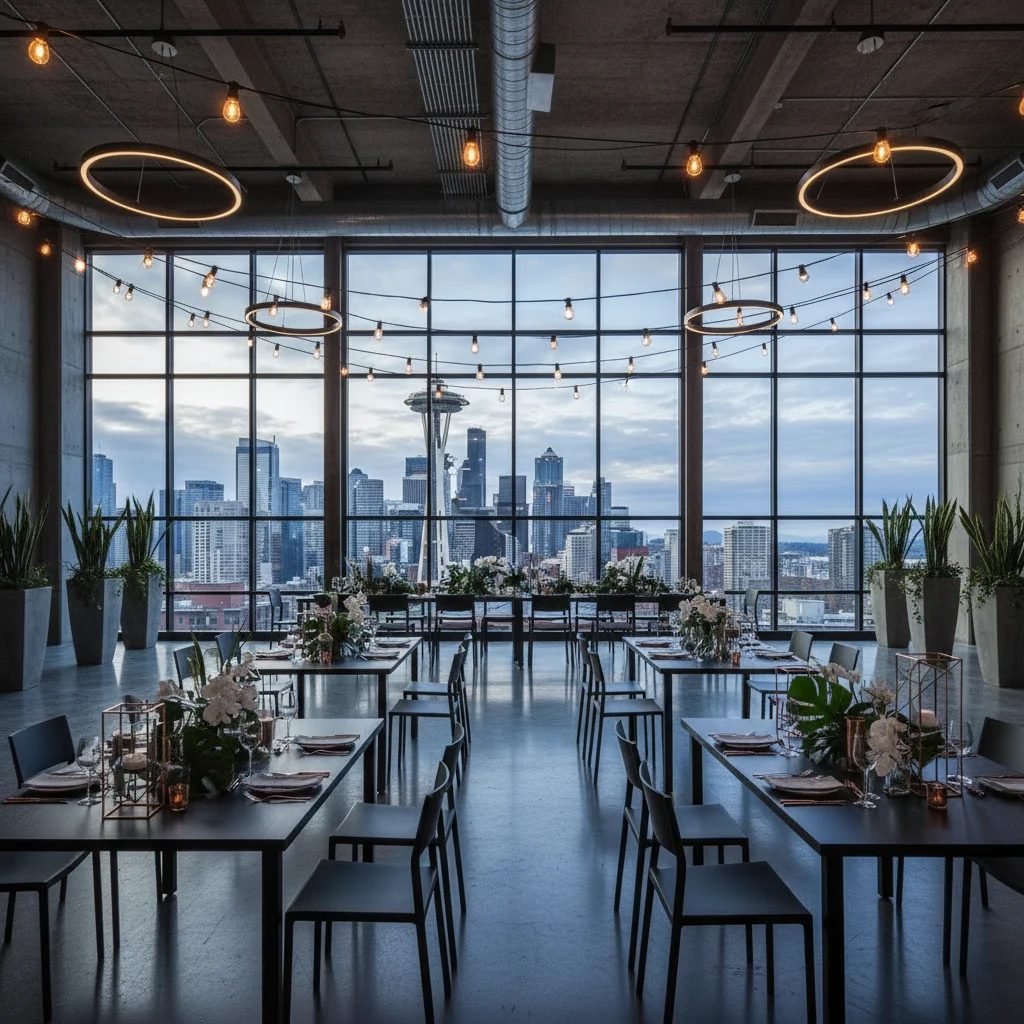
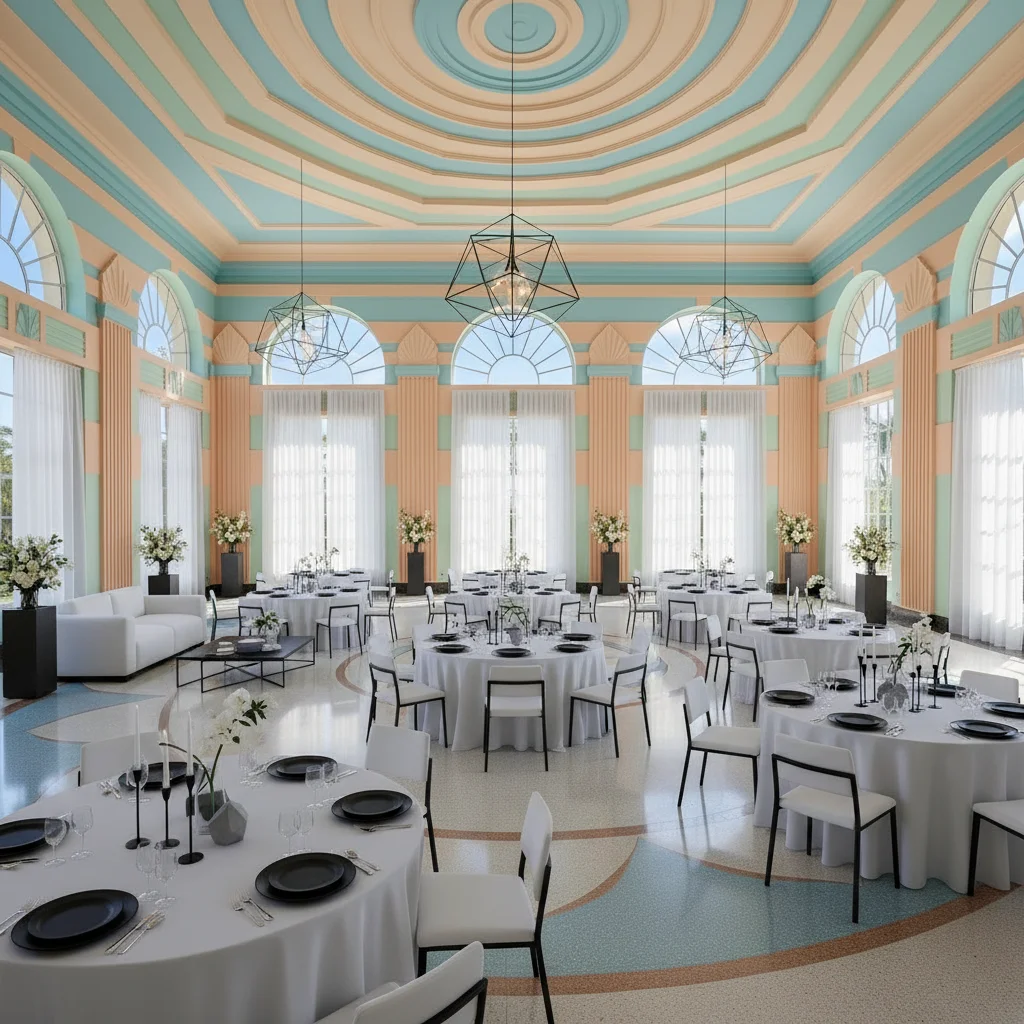
I'll turn it into three distinct wedding concepts and send them back. Use them in a client call, put them in a draft proposal, or just pick apart the details. You should see the work before you subscribe.
Send the space
Use a venue walkthrough photo, website image, or room photo you already have permission to use.
Name the direction
Examples: sage green mountain barn, romantic garden dinner, modern black-tie reception.
Get concepts back
Use the images in a client conversation, proposal draft, or internal design review.
The hard part isn't finding ideas. It's getting everyone to see the same thing.
Mood boards leave a gap
Mood boards and Pinterest boards inspire, but they rarely answer the real question: "Will this work in our venue?"
Vague feedback eats time
Every unclear decision creates more back-and-forth with couples, venues, florists, and rental teams.
Clarity builds trust
A couple who can see what you mean gives better feedback. They also get a glimpse of what it feels like to work with you.
Where it earns a place in your process
Use it when words and reference photos have taken the conversation as far as they can.
Consultations
Turn vague client taste into something concrete
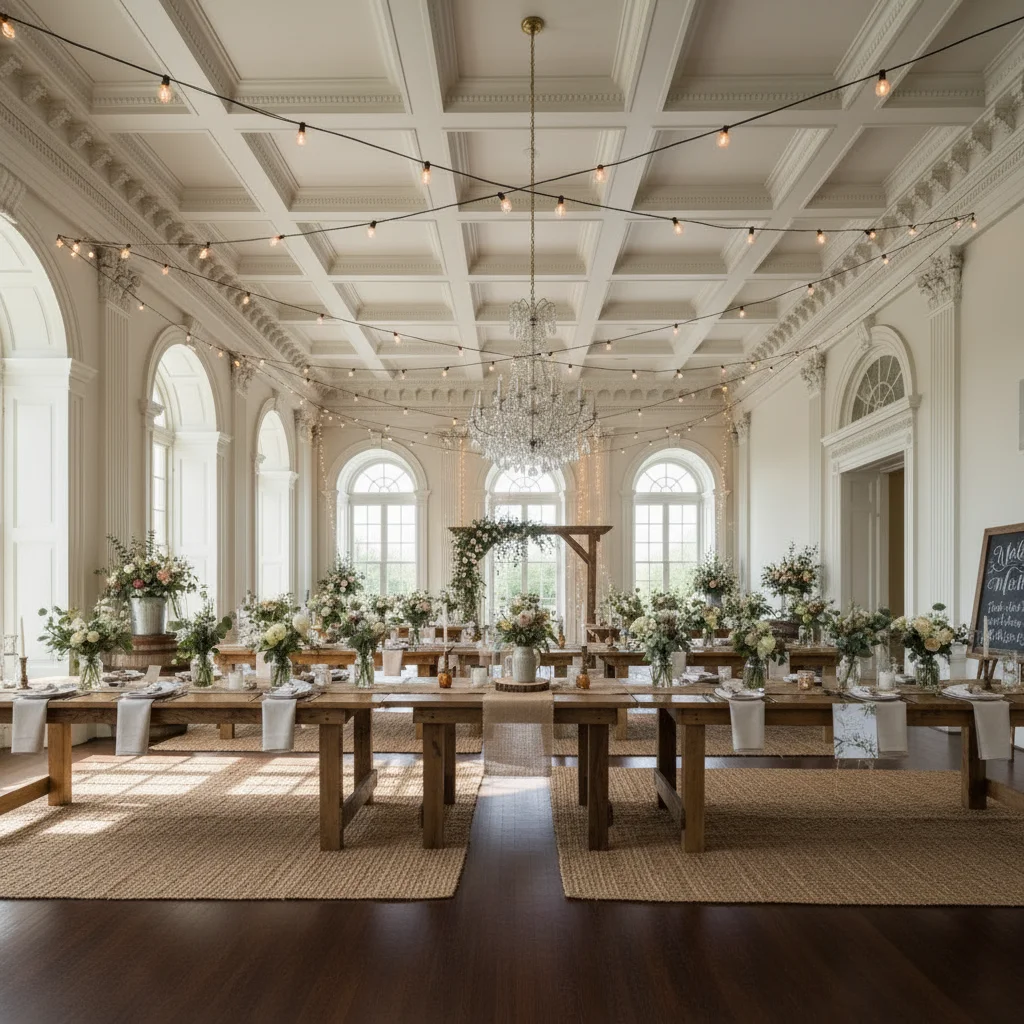
Put two directions into the real venue during a planning call. Instead of asking whether "soft, romantic, and organic" sounds right, let the couple point to what they love and what they do not.
- Compare multiple concepts in one meeting
- Reduce "I can't picture it" objections
- Help couples agree faster
Proposals
Put the idea in their venue before you pitch it
Add a venue-specific concept to the pitch deck. It shows that you listened, and it gives the couple a reason to linger on your proposal instead of skimming another mood board.
- Present mood + venue together
- Stand out from planners who only send boards
- Increase perceived value of your process
Revisions
Shorten revision cycles and vendor confusion
When clients can see the direction, they make cleaner calls. That means fewer speculative revisions and better communication with vendors.
- Clarify floral, color, and setup direction
- Share visual references with vendors quickly
- Save creative energy for higher-value work
"Here are 3 directions using your actual venue"
Instead of debating adjectives for a week, planners can show options and let the couple react to something tangible.
Mood boards inspire. Venue concepts help people choose.
Keep Pinterest for references. Use Wedding Studio AI when the question becomes, "Will that work here?"
A Fit for Solo Planners and Growing Teams
Solo planners
Use it today in your existing process
- Try a client venue with one free image
- Use visuals in consultations and follow-ups
- Upgrade only when you need more credits
Studios & agencies
Talk to us about team usage and workflows
- Shared internal use across multiple clients
- Repeatable proposal and revision workflows
- Early access to planner-focused features
Planner plan
If the sample helps, make it part of your client process.
The founding planner plan is for solo planners and small studios who want enough monthly generations for consultations, proposal visuals, and design revisions.
150 credits monthly for planner workflows.
- Use real venue photos
- Create multiple style directions
- Download concepts for client conversations
- Cancel from account settings
Questions from Wedding Planners
Can I use this with photos from a venue walkthrough or website?
What should I send for the free sample?
Will the images actually resemble the venue?
Can I use the images in proposals and client communication?
Is this only for large planning firms?
How do planners usually pay for it?
Give the next client something worth reacting to.
If you're the planner who makes the vision feel real, you become much harder to replace.