For Wedding Planners
Turn One Venue Photo into Three Client-Ready Wedding Concepts
Send a real venue photo, choose a style direction, and show couples what their wedding could actually look like there. Built for consultations, proposals, and the "I can't picture it" moment.
Free concierge sample first. Then use it yourself from $49/mo when it fits your workflow.
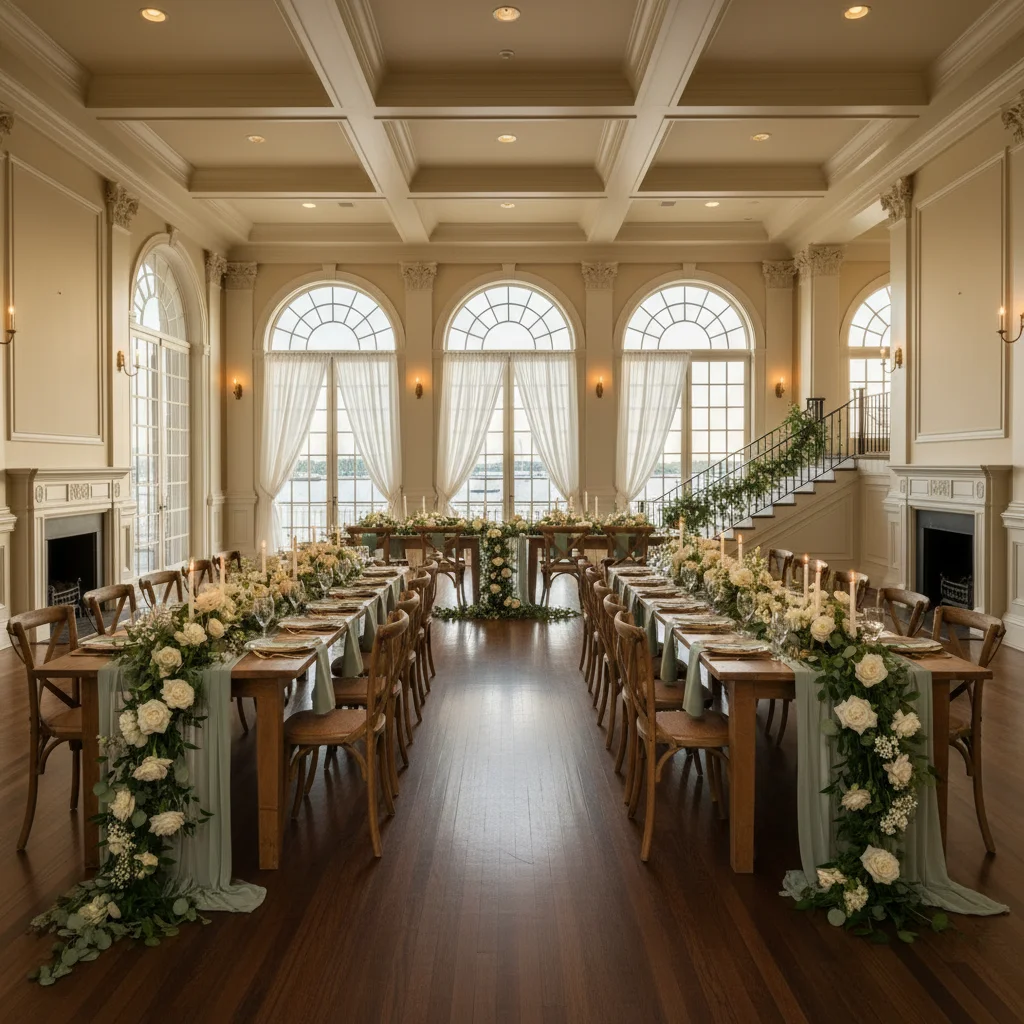
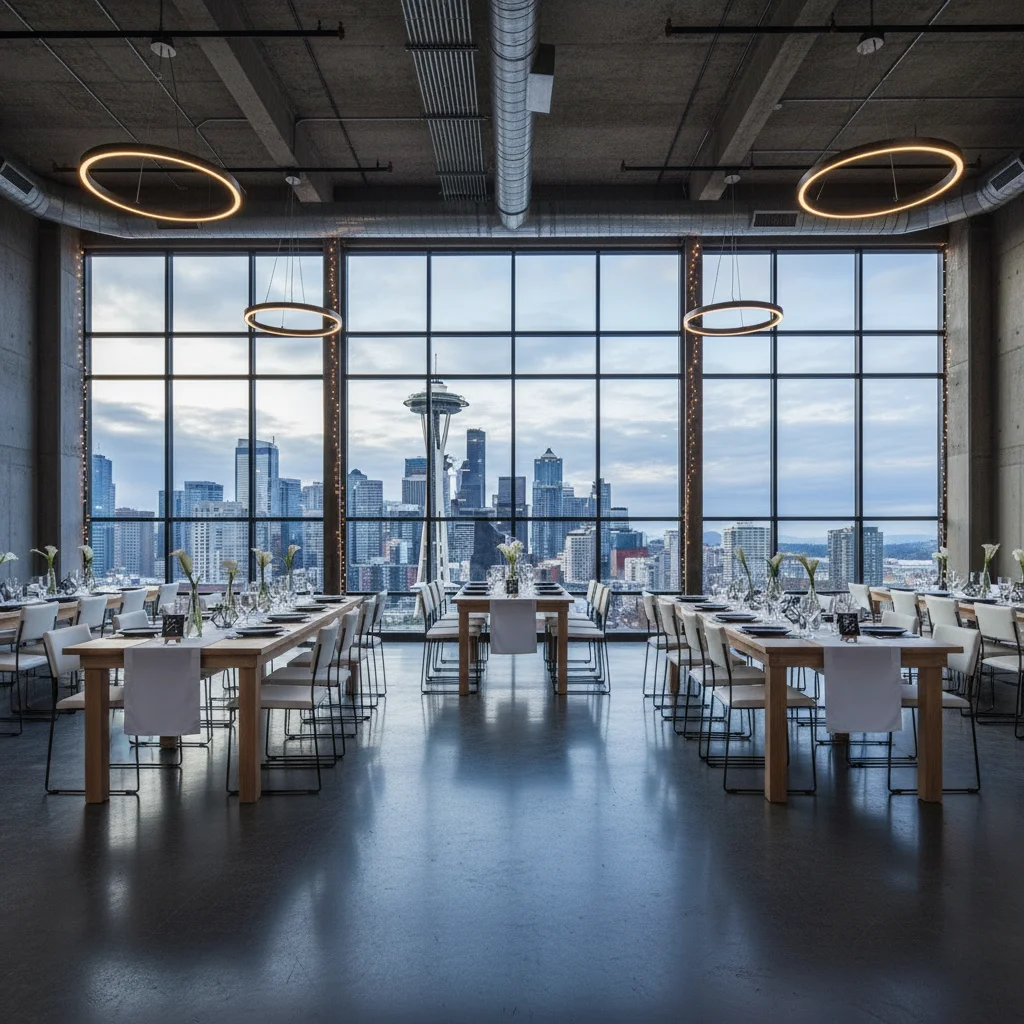
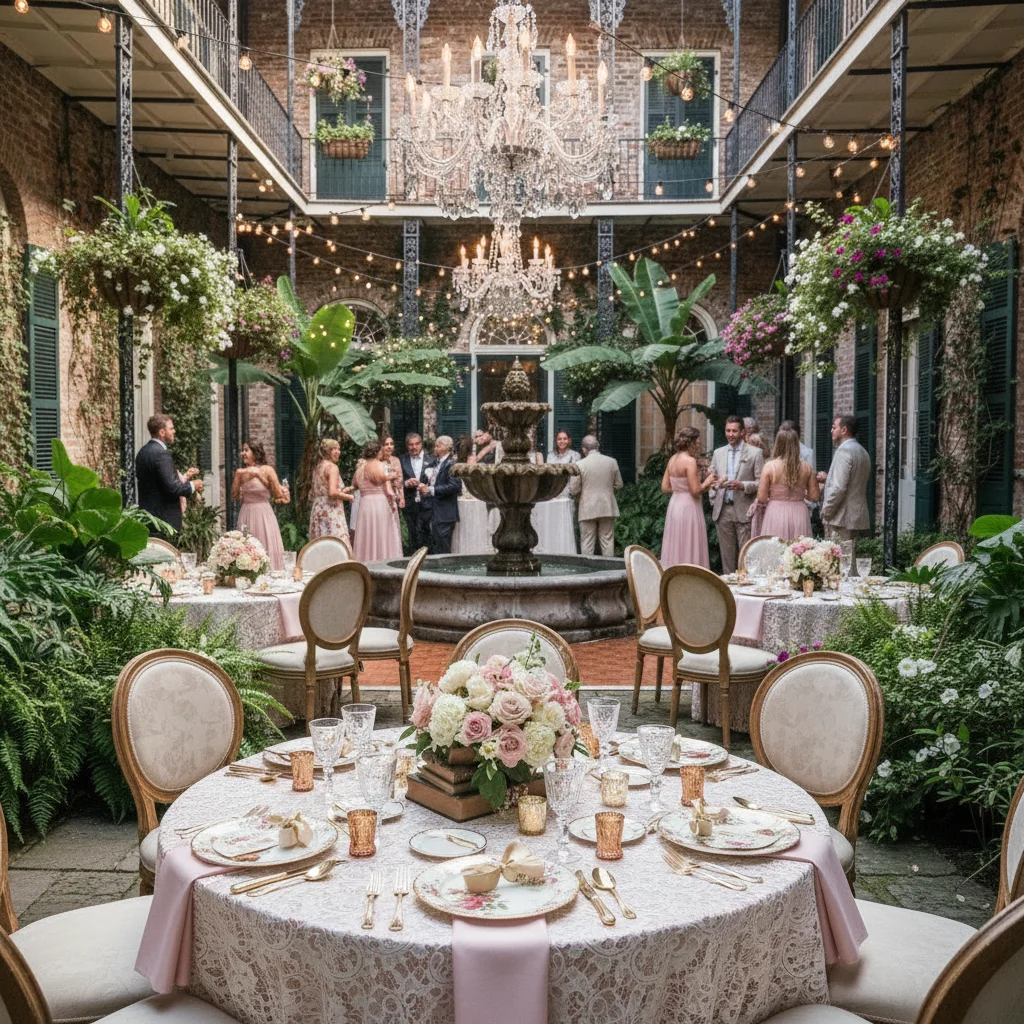
Free planner sample
Before you subscribe, send one venue photo.
I will turn it into 3 styled wedding concepts and send them back so you can judge the quality on a real space from your market.
Send the space
Use a venue walkthrough photo, website image, or room photo you already have permission to use.
Name the direction
Examples: sage green mountain barn, romantic garden dinner, modern black-tie reception.
Get concepts back
Use the images in a client conversation, proposal draft, or internal design review.
The Planner Problem Isn't Ideas. It's Alignment.
Clients Struggle to Visualize
Mood boards and Pinterest boards inspire, but they rarely answer the real question: "Will this work in our venue?"
Revision Loops Eat Time
Every unclear decision creates more back-and-forth with couples, venues, florists, and rental teams.
Confidence Wins the Client
The planner who makes the vision feel real closes faster and keeps the couple calmer.
How Planners Actually Use It
This is not just inspiration software. It is a faster way to move clients from "maybe" to "yes, that's it."
Consultations
Turn vague client taste into something concrete
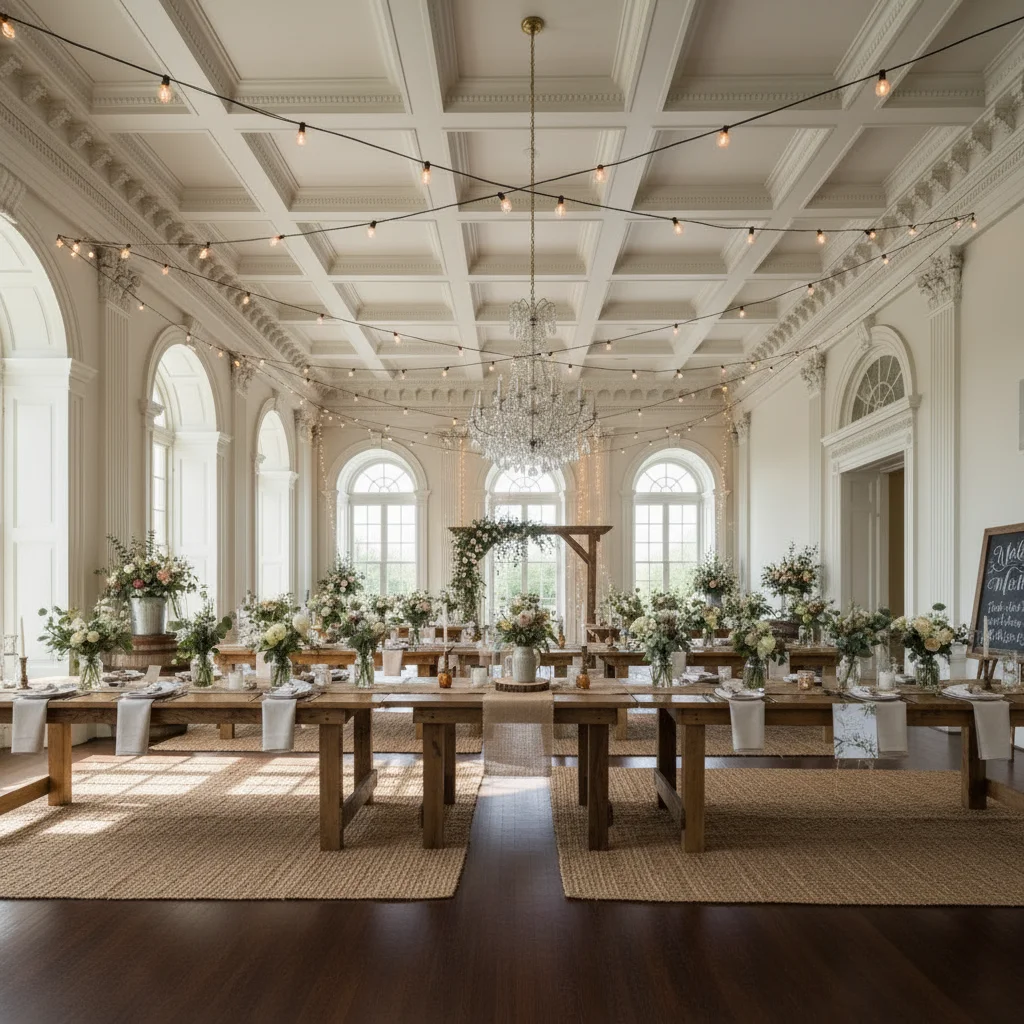
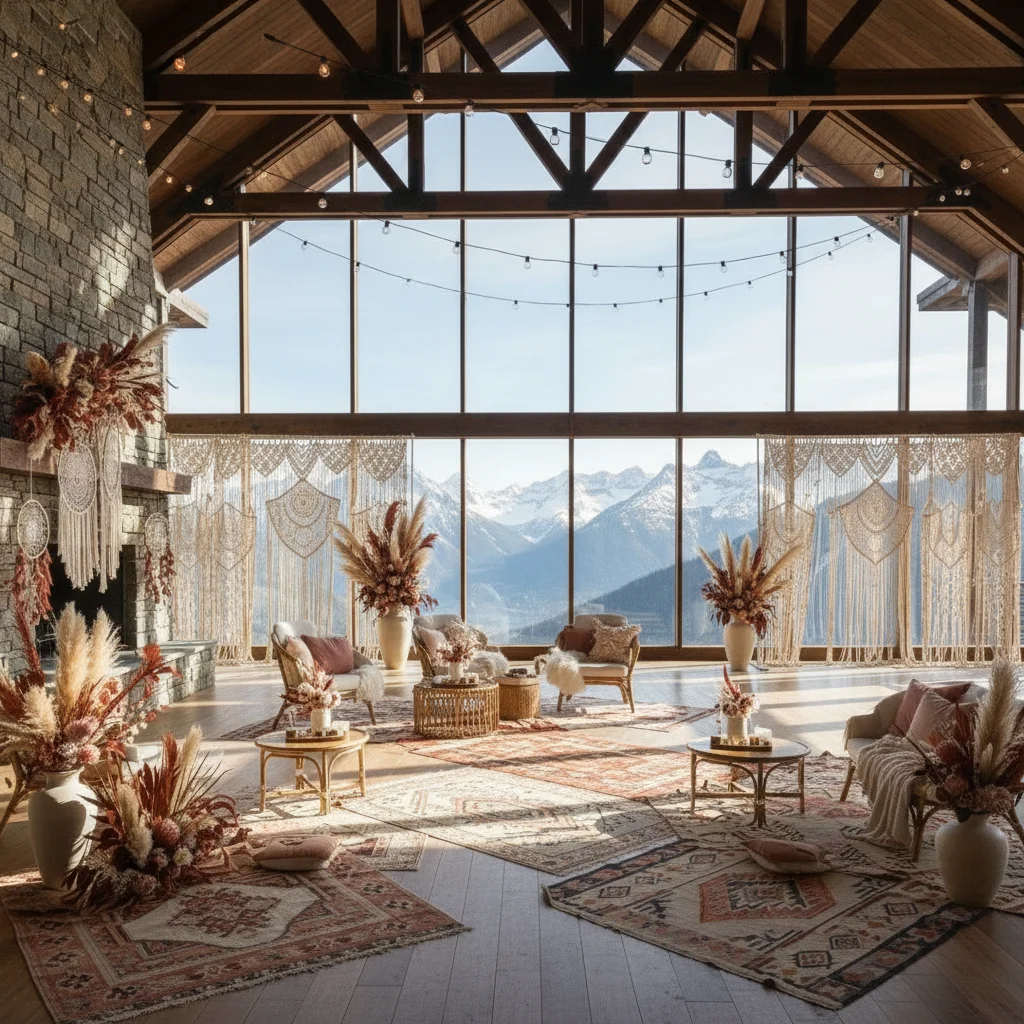
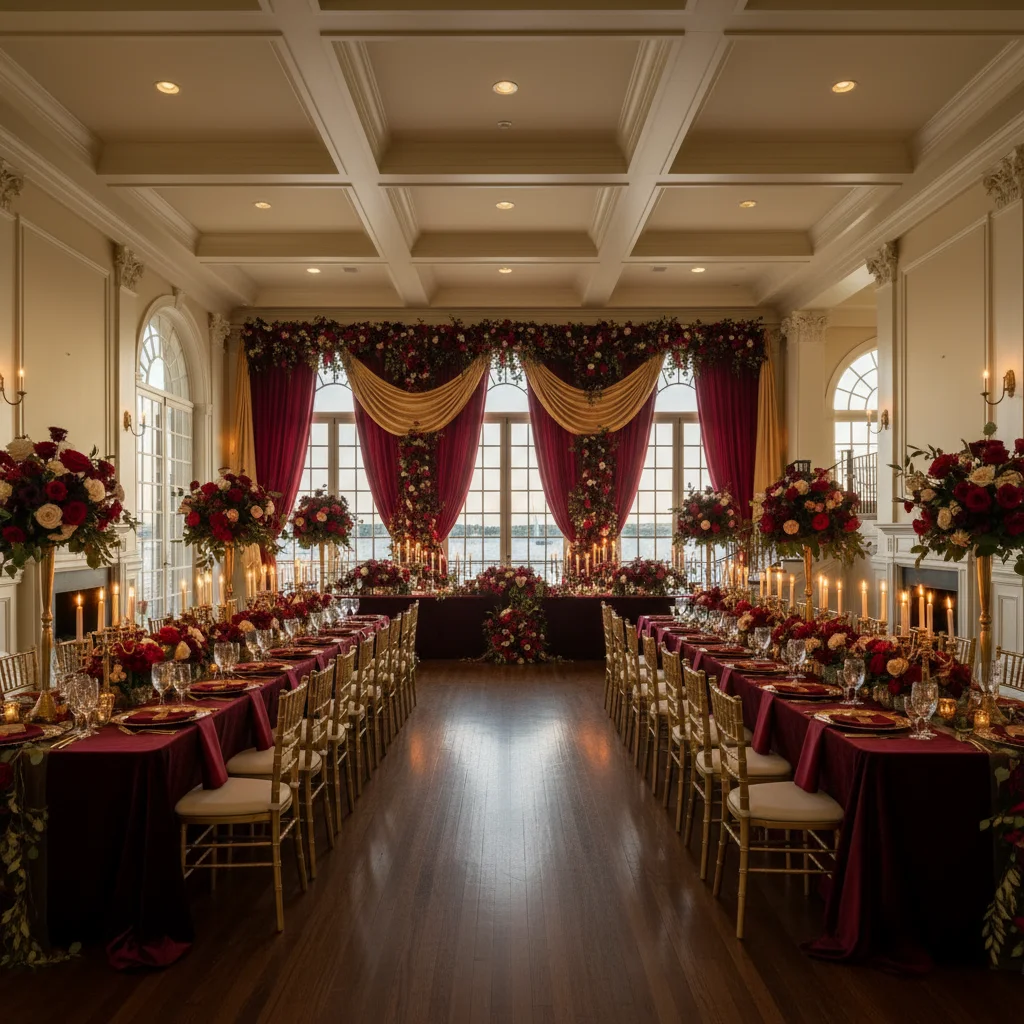
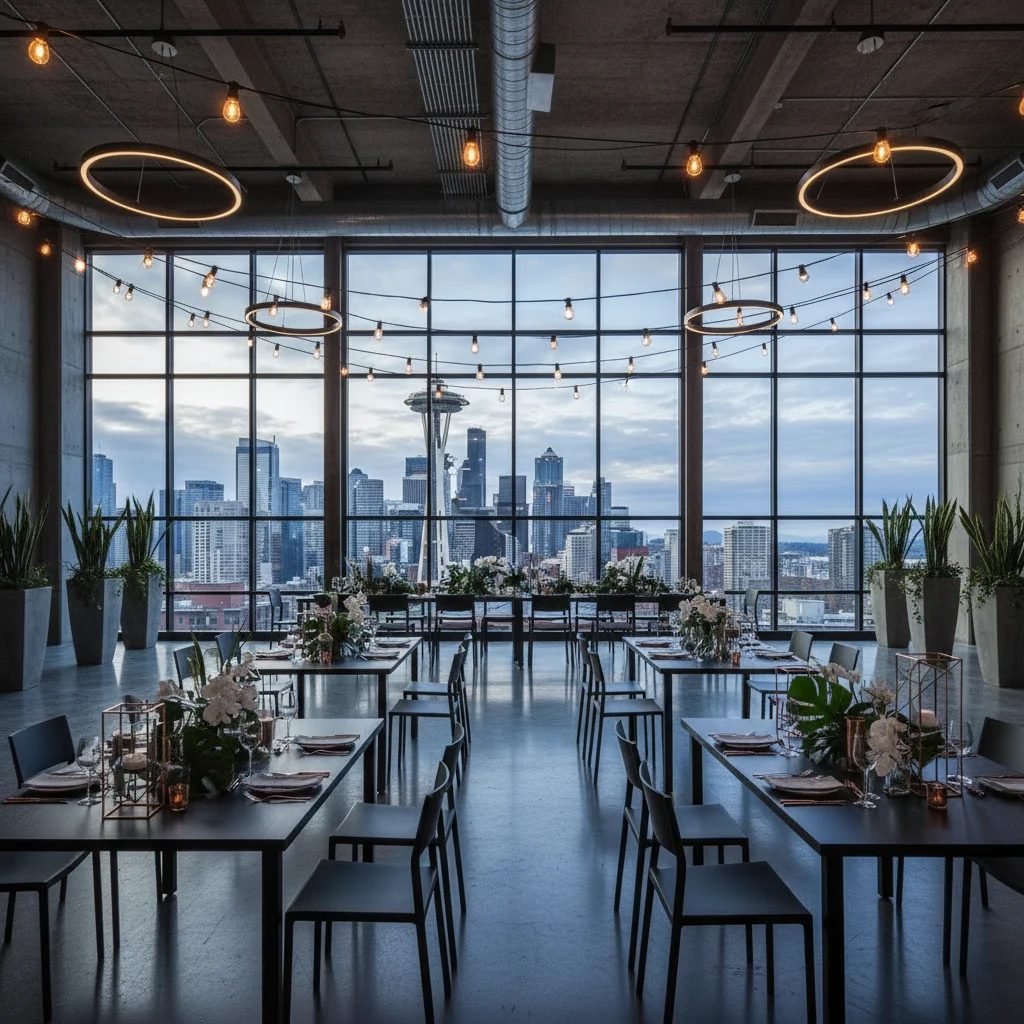
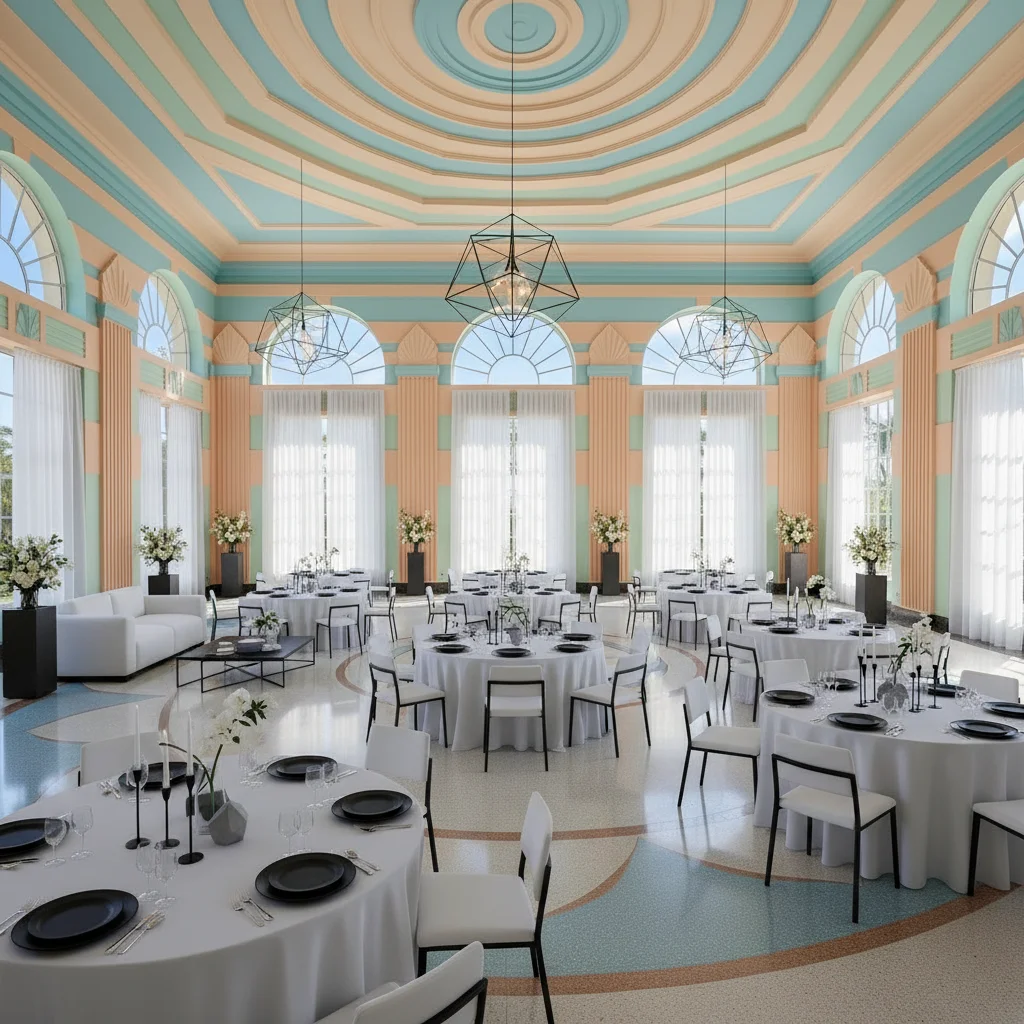
Use a venue photo and a style prompt during planning calls to show options live. The result feels more like a creative reveal than a guessing exercise.
- Compare multiple concepts in one meeting
- Reduce "I can't picture it" objections
- Help couples agree faster
Proposals
Make proposals feel premium without waiting on custom mockups
Add realistic concept visuals to your pitch deck or proposal so clients can feel the direction before deposits and design rounds pile up.
- Present mood + venue together
- Stand out from planners who only send boards
- Increase perceived value of your process
Revisions
Shorten revision cycles and vendor confusion
When clients can see the direction, they make cleaner calls. That means fewer speculative revisions and better communication with vendors.
- Clarify floral, color, and setup direction
- Share visual references with vendors quickly
- Save creative energy for higher-value work
"Here are 3 directions using your actual venue"
Instead of debating adjectives for a week, planners can show options and let the couple react to something tangible.
Better Than Just Sending Boards and Hoping
Pinterest is inspiration. Wedding Studio AI is decision support.
A Fit for Solo Planners and Growing Teams
Solo planners
Use it today in your existing process
- Try a client venue with one free image
- Use visuals in consultations and follow-ups
- Upgrade only when you need more credits
Studios & agencies
Talk to us about team usage and workflows
- Shared internal use across multiple clients
- Repeatable proposal and revision workflows
- Early access to planner-focused features
Planner plan
If the sample helps, make it part of your client process.
The founding planner plan is for solo planners and small studios who want enough monthly generations for consultations, proposal visuals, and design revisions.
150 credits monthly for planner workflows.
- Use real venue photos
- Create multiple style directions
- Download concepts for client conversations
- Cancel from account settings
Questions from Wedding Planners
Can I use this with photos from a venue walkthrough or website?
What should I send for the free sample?
Will the images actually resemble the venue?
Can I use the images in proposals and client communication?
Is this only for large planning firms?
How do planners usually pay for it?
Help Clients See It. Then Help Them Say Yes.
If you're the planner who makes the vision feel real, you become much harder to replace.